EV Nova, rebuilt from the ground up.
A reverse-engineered engine for the 2002 classic, native on Mac, iPad, iPhone and Apple TV. Bring your own copy.

Checked against the original code.
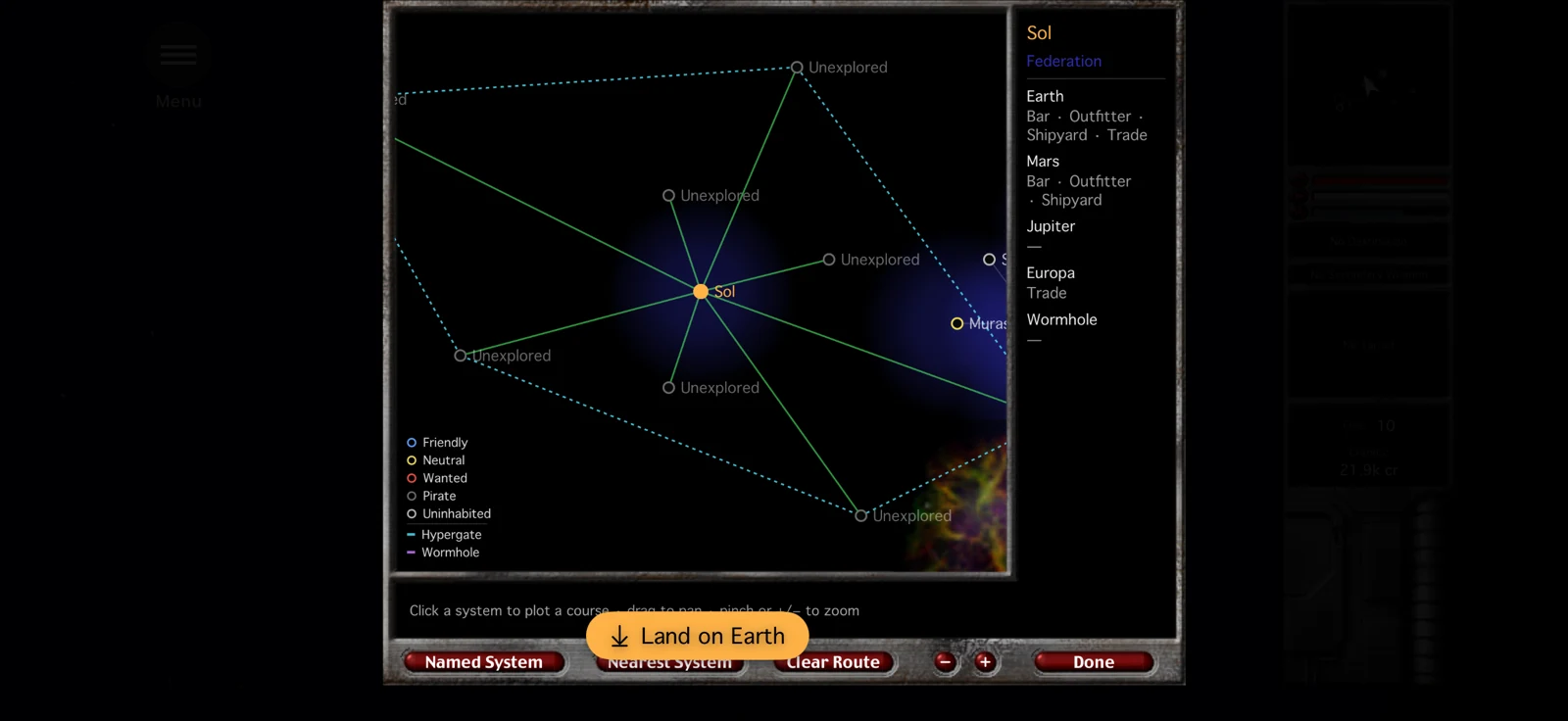
The original Windows executable was taken apart, function by function, and every gameplay system was rebuilt to match it: flight, combat, the NPC AI, the economy, missions and the star map.
Original behaviour is the default. Anything that changes the rules is an optional Enhancement, off until you turn it on.

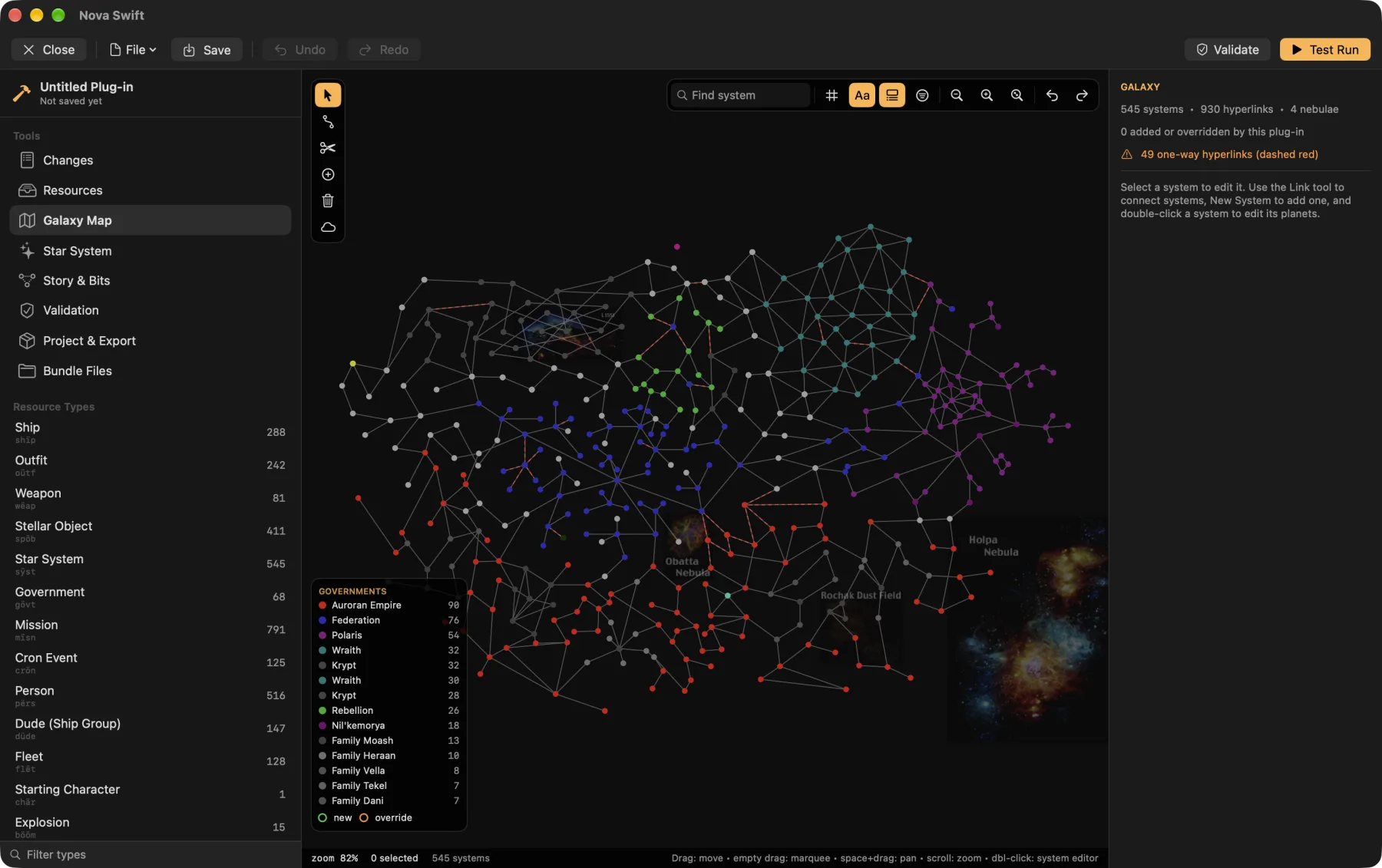
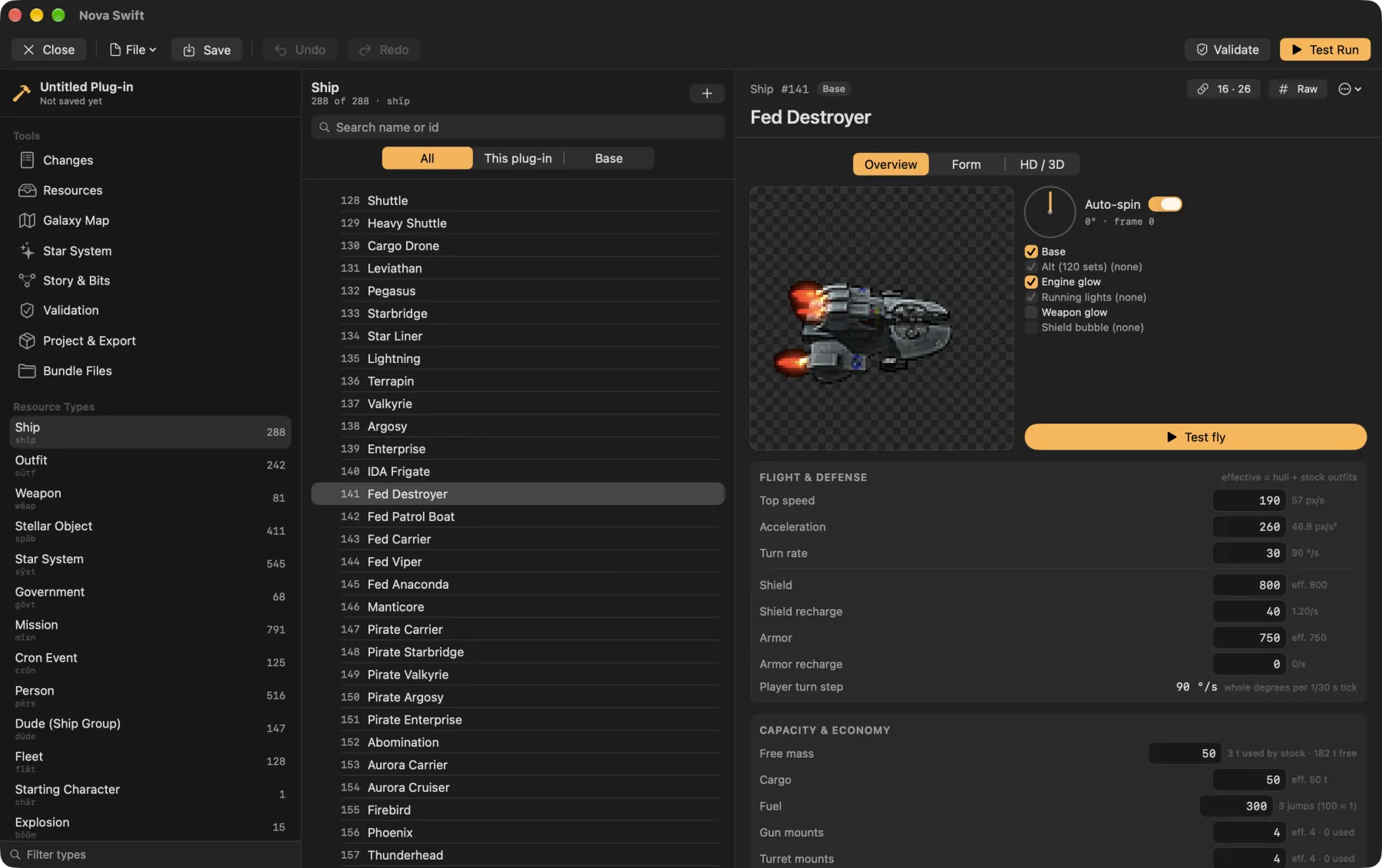
A plug-in editor that runs the game.
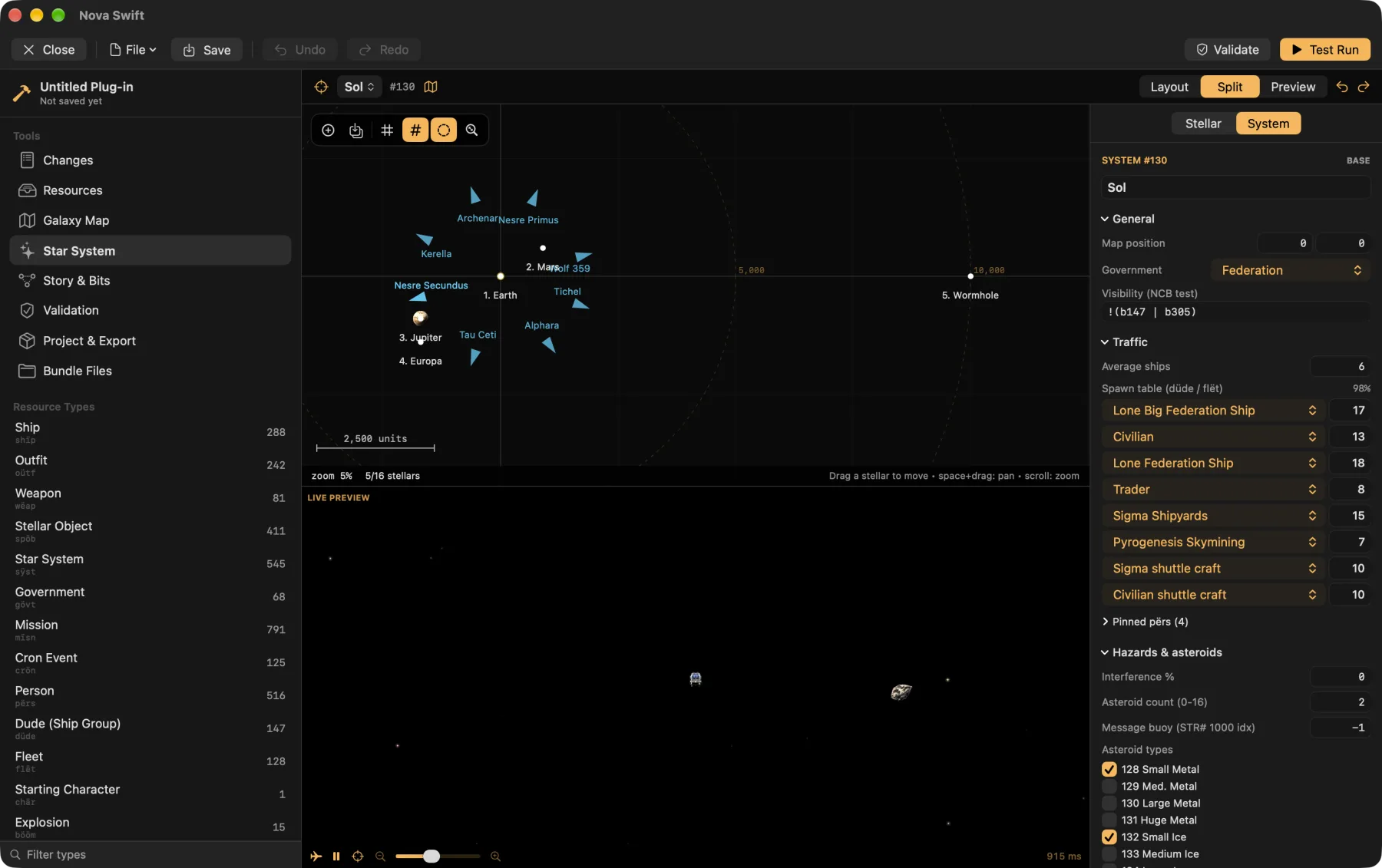
Built into the Mac app. Edit any resource, draw the galaxy, then fly your plug-in without leaving the editor.
Fly it before you ship it.
Test Run starts a real game session on your plug-in. Spawn fleets as friends or enemies, grant outfits, set control bits, start missions and jump anywhere, with god mode on while you look around.
- Every resource typeForms for 23 types, checked byte-for-byte against the stock data, with a hex view for the rest.
- Galaxy mapDrag systems, draw and erase hyperlinks, and set government colours and nebulae.
- Star systemsPlace planets and stations with their real sprites, beside a live game preview.
- Test runStart a game on your plug-in with a debug panel: spawn fleets, grant outfits, set bits, start missions.
- Story toolsA control-bit index and a mission flow graph, so you can follow a storyline end to end.
- Graphics and soundImport PNG and WAV, edit ship hardpoints, attach HD art, and save as
.rezor classic files.
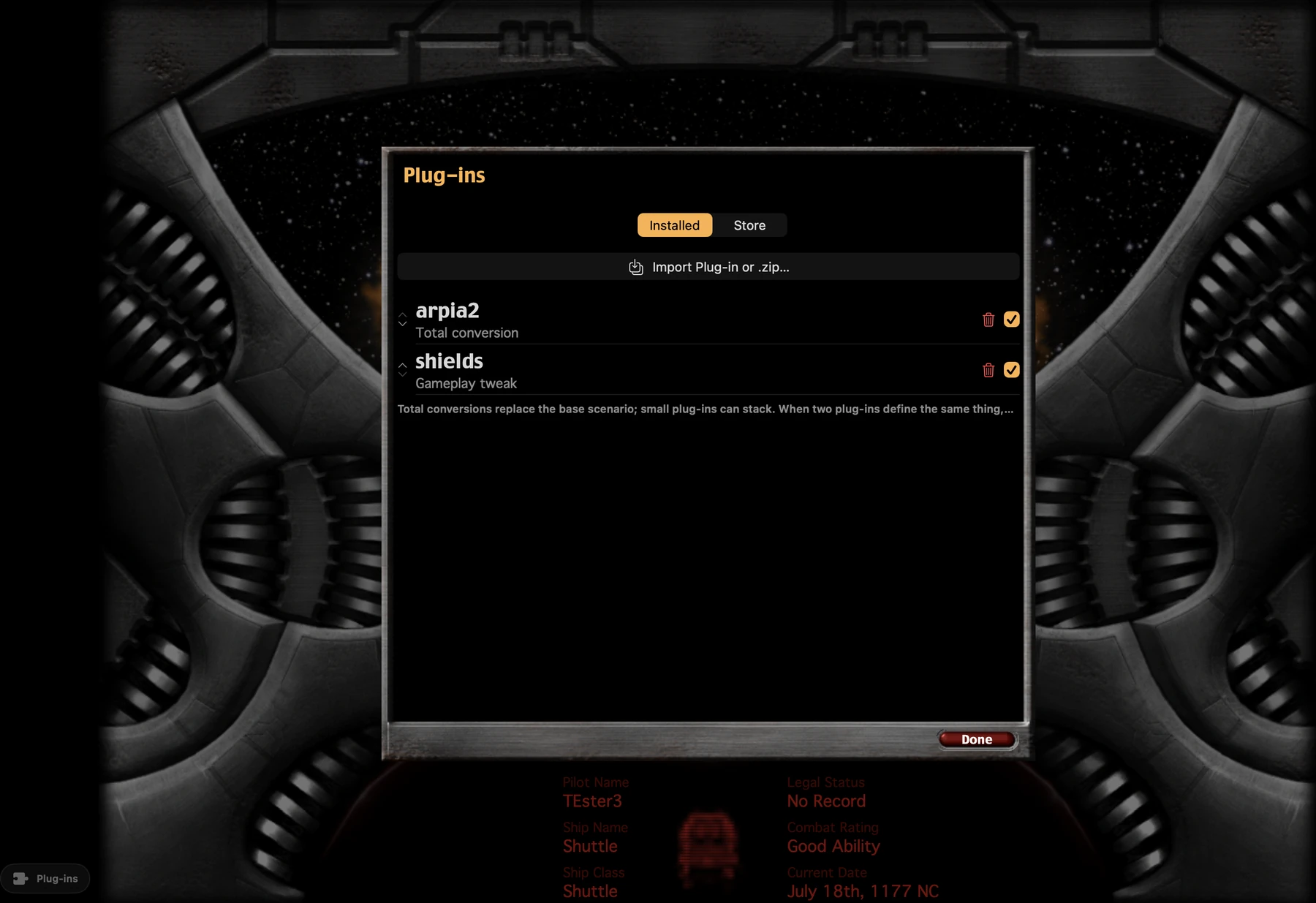
Plug-ins, one tap away.
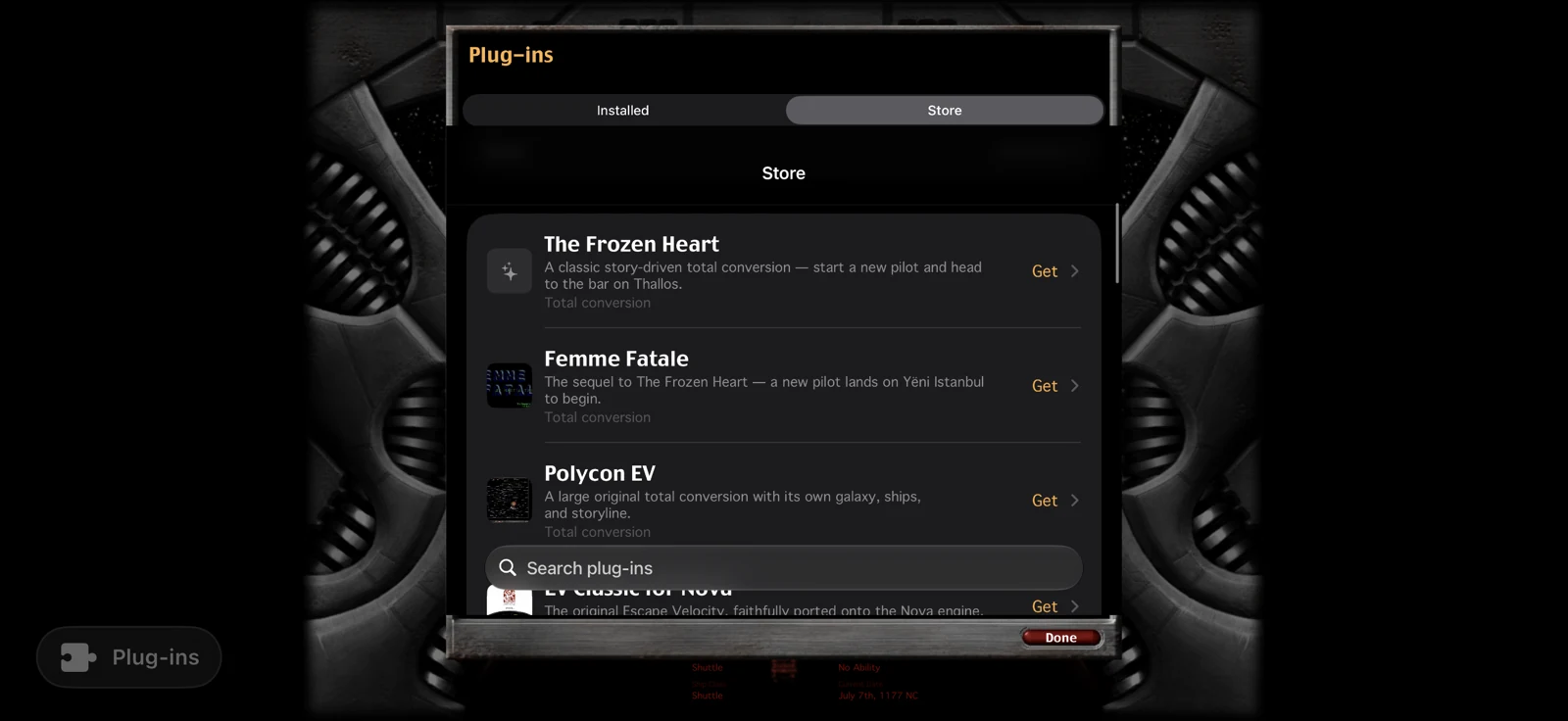
Browse the community catalog and install in one tap, or import your own files, old Mac .sit and .hqx archives included. Turn any of them off again with a switch.
Fly the same galaxy as your friends.
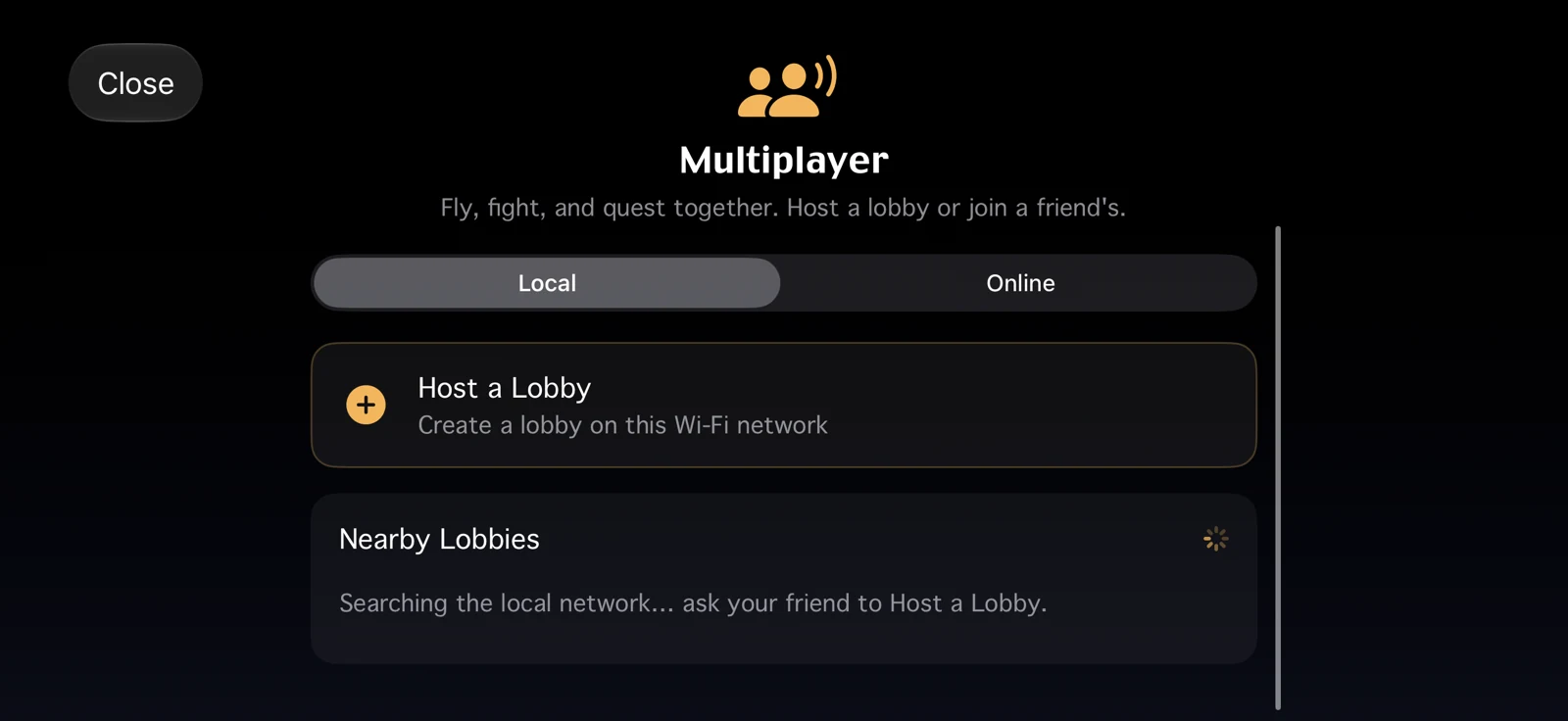
Co-op over local Wi-Fi or Game Center. Friends join the host's galaxy, and there's no server to run. The host decides the rules.
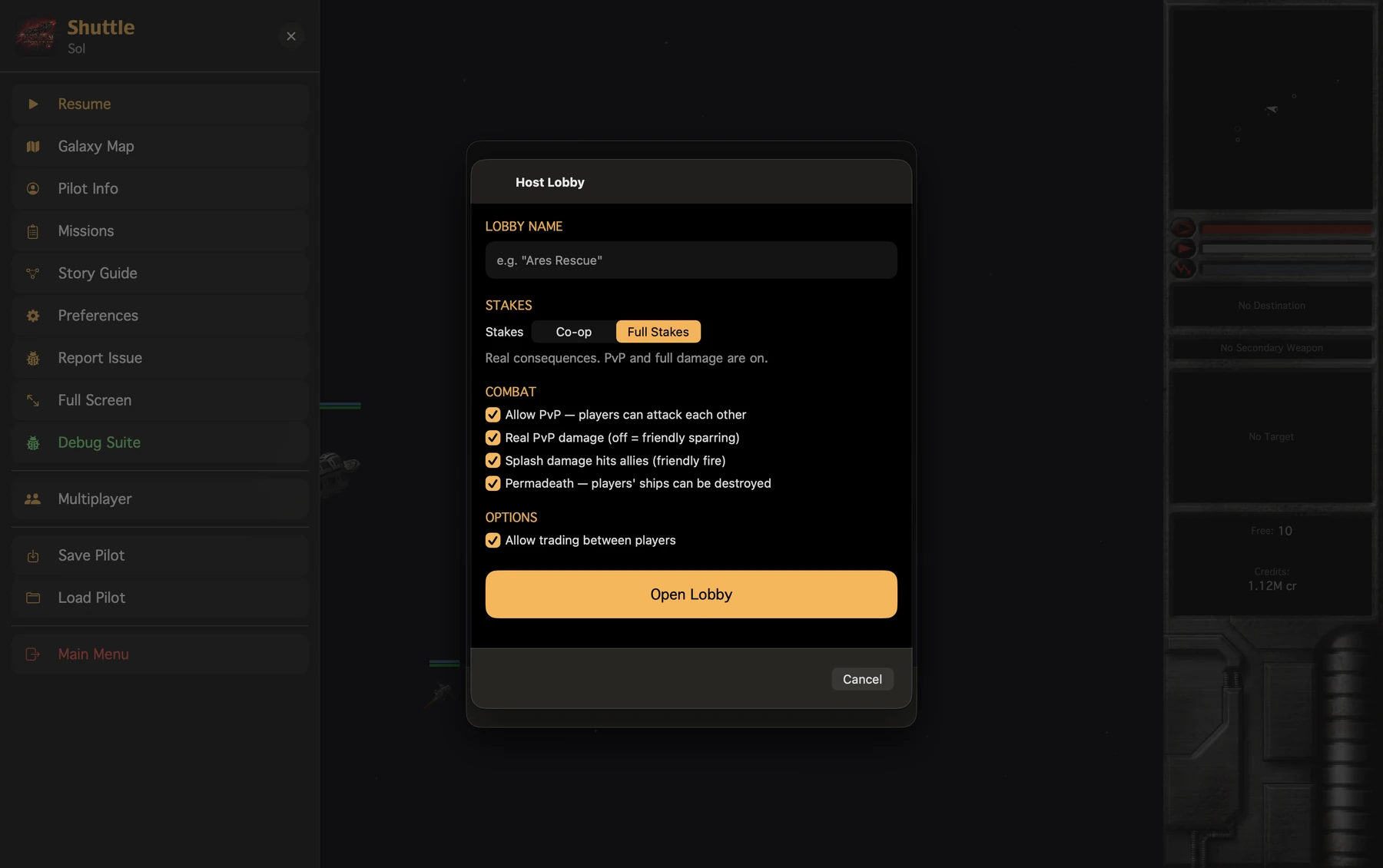
- PvP
- Real damage
- Friendly fire
- Permadeath
- Player trading
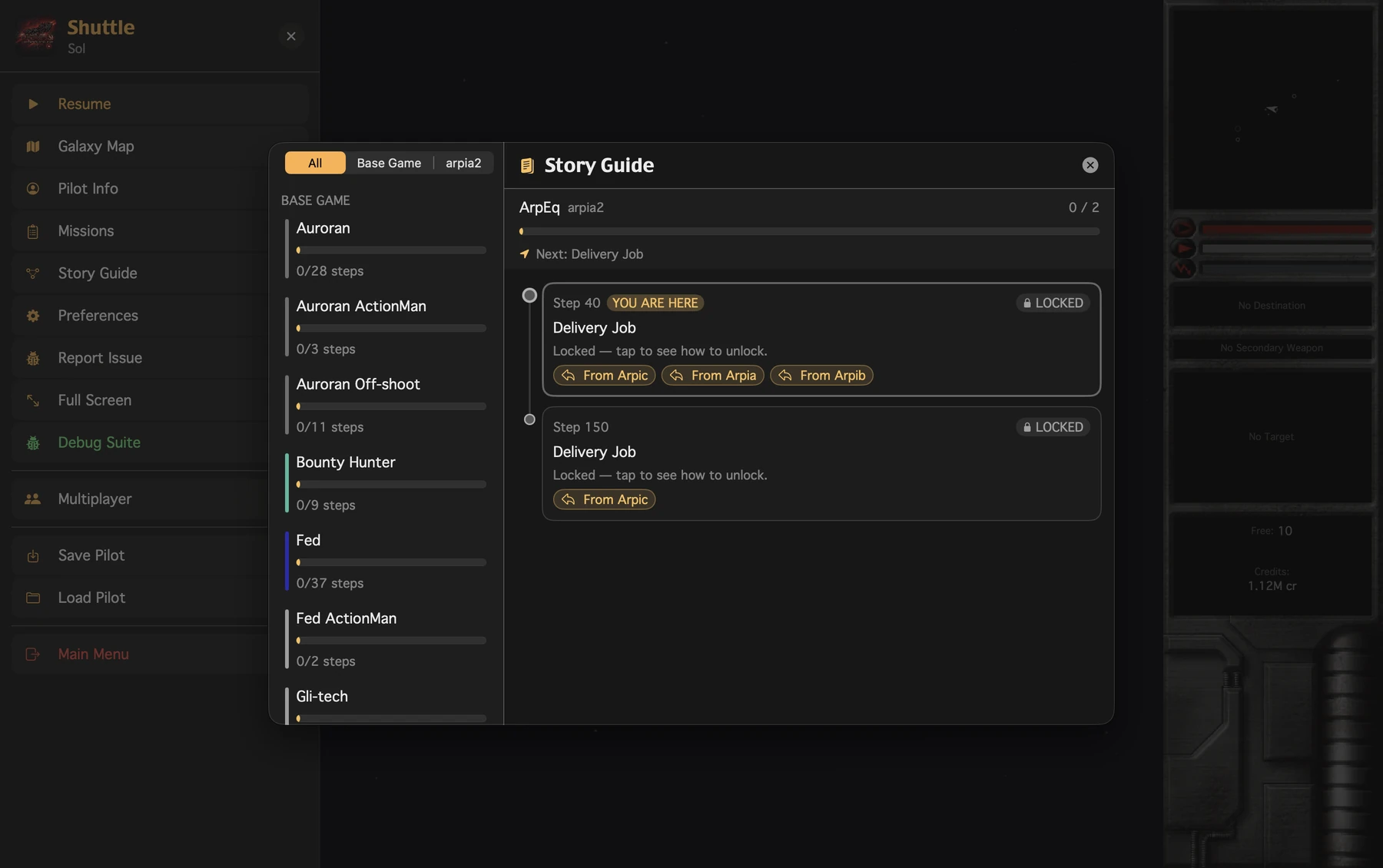
Never lose the thread of a storyline.
The Story Guide shows each campaign as a series of steps: what you've done, what's locked, and which mission opens the next one. It reads plug-in storylines too.
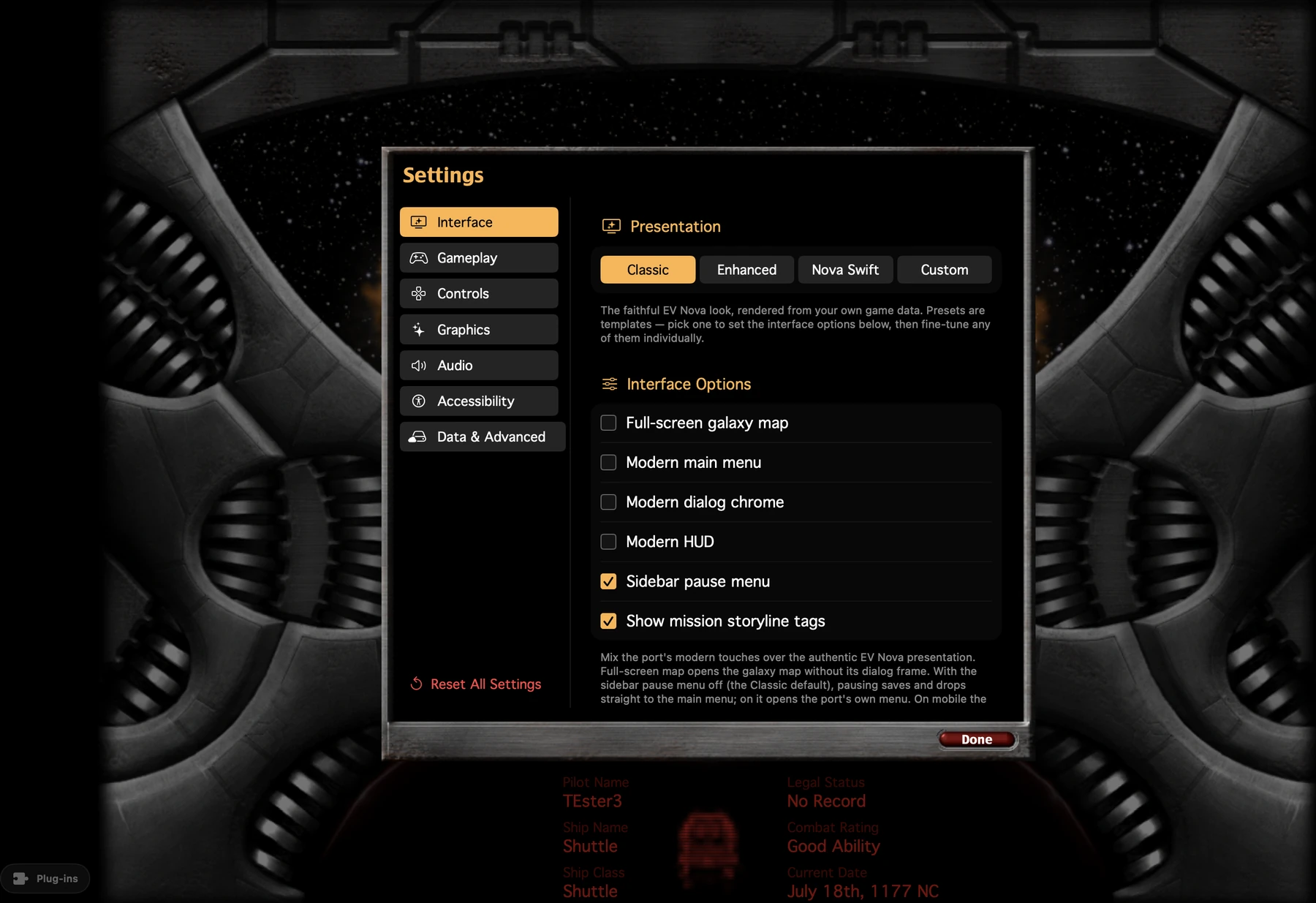
Classic, or a little more modern.
Play with the original interface, or switch to the Enhanced or Nova Swift look. Then turn individual pieces, like the map, menus or HUD, on or off.
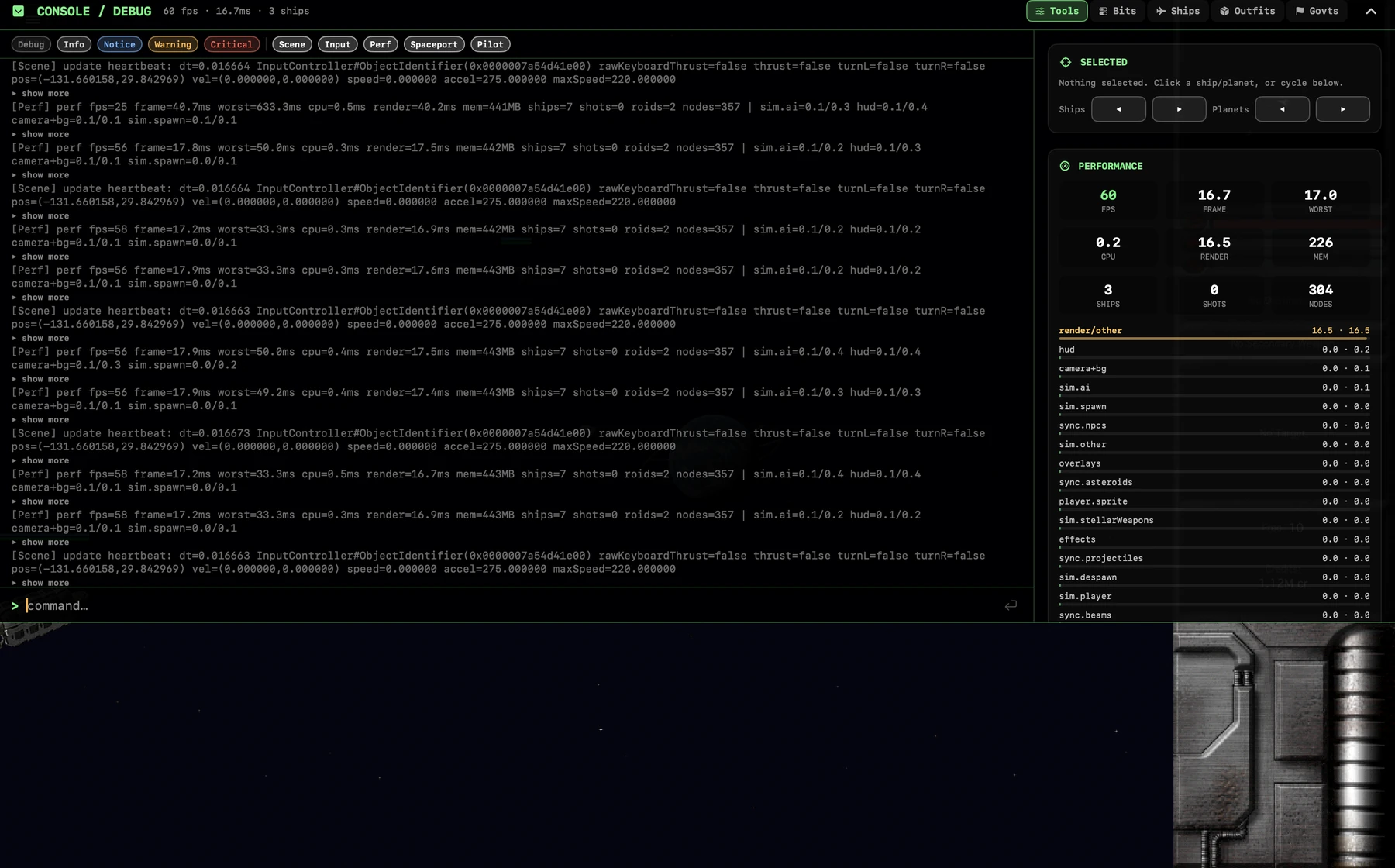
A debug suite, built in.
Live logs you can search and filter, frame time per subsystem, an inspector for any ship or planet, and a command console. Bug reports attach your logs for you.
Your pilots come with you.
Import your old Windows pilots straight into the game, with classic Mac pilots in testing. Pilots save to iCloud, so you can pick up on your iPad or iPhone where you left off on your Mac. Your imported game data syncs to every device, Apple TV included.
HD art and 3D models.
Plug-ins can bring high-resolution art and 3D ship and planet models. Models draw into the classic frames, or live in 3D, turning and banking with the ship. Hit boxes and gameplay stay the same either way.
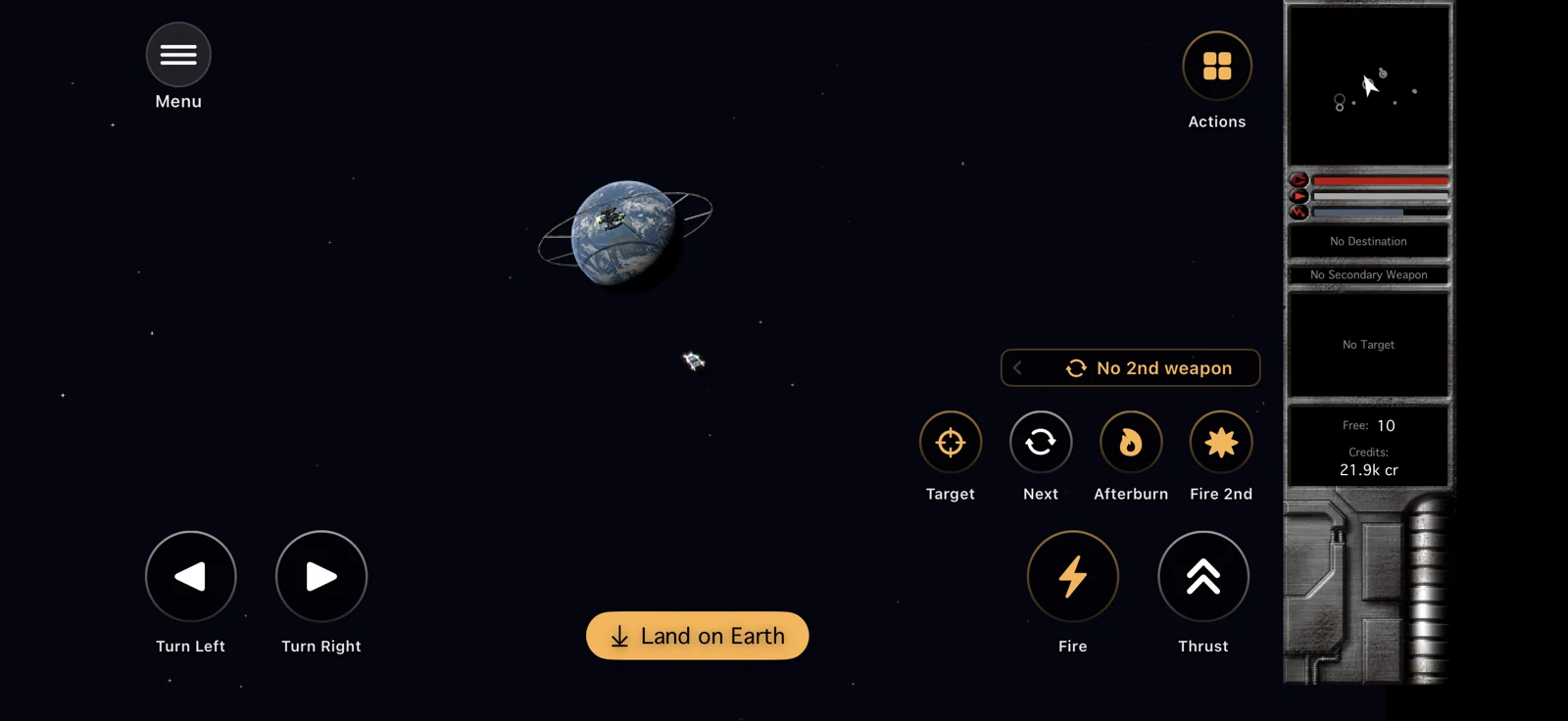
Made for touch, too.
EV Nova never ran on a phone. These are captures from an iPhone.
Play the beta, or build it.
The TestFlight beta runs on Mac, iPad, iPhone and Apple TV. Building it yourself needs a Mac with Xcode. Linux and Windows are in progress.
# clone and fetch dependencies
git clone https://github.com/SirStig/NovaSwift.git
cd NovaSwift && scripts/setup.sh

# put your own EV Nova data in data/base/

# open in Xcode, pick a target, Run
open app/NovaSwift.xcodeproj
You bring the game.
EV Nova's content belongs to its owners. NOVA Swift ships no game data and never will. It reads a copy you own, the same way OpenMW and OpenRA work.